BBL SECURITY PRODUCTS Logo

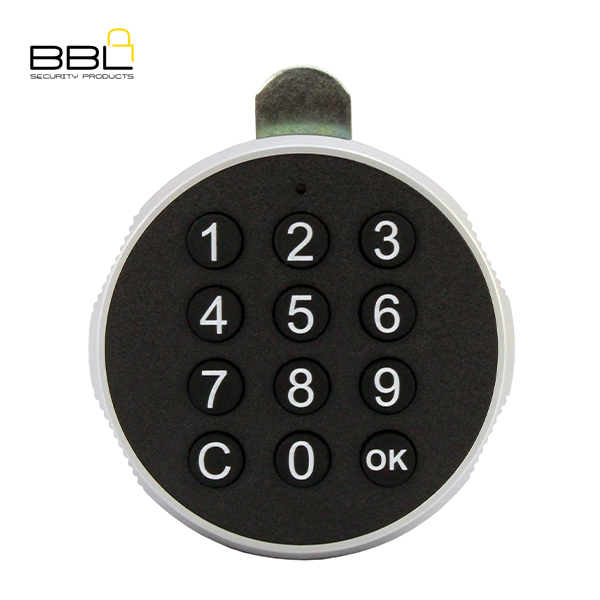
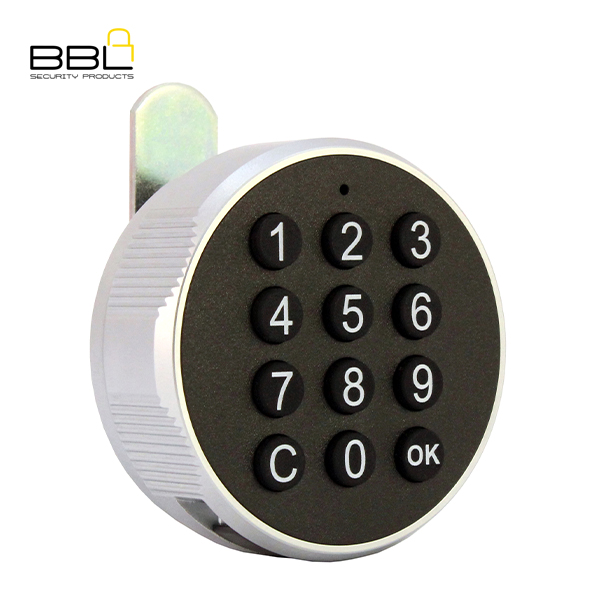
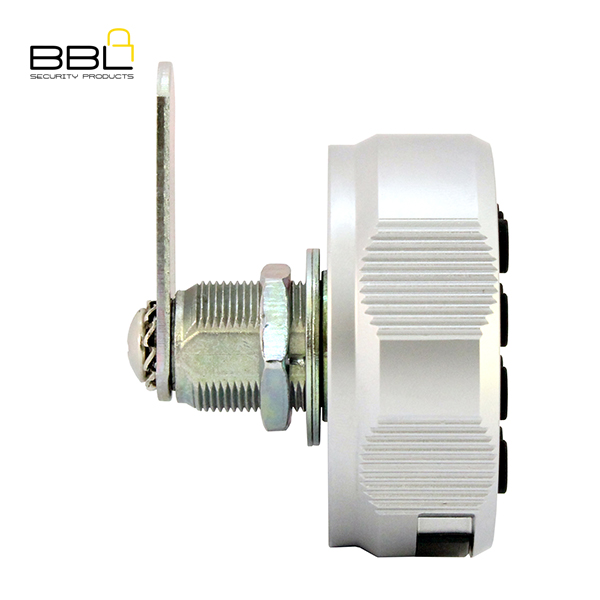
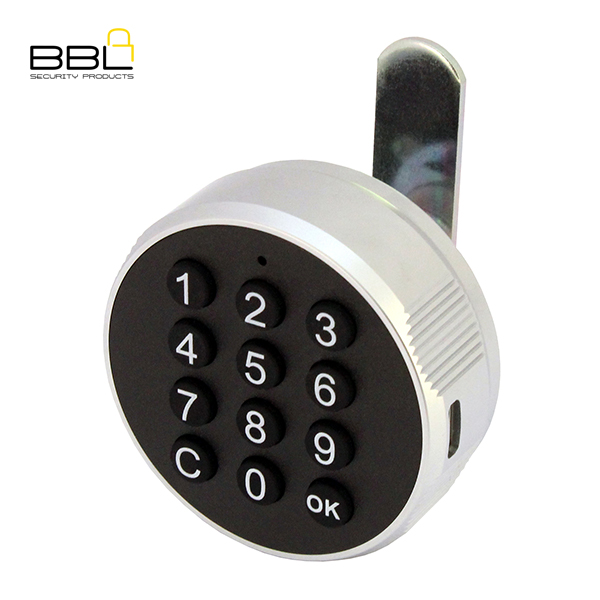
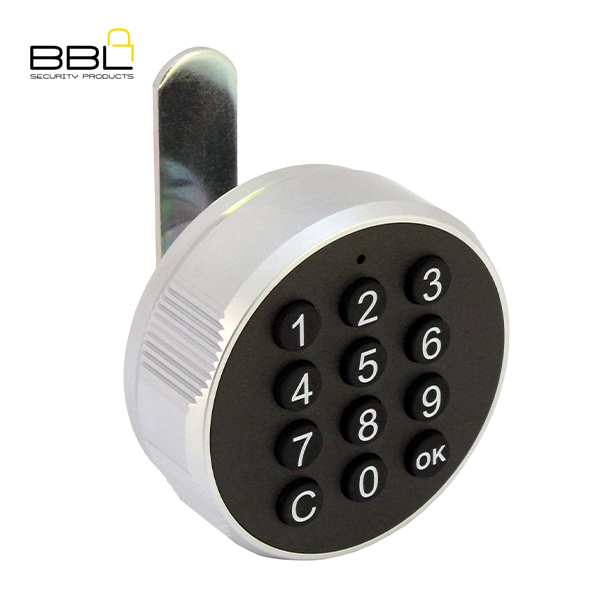
BBL Digital Camlock BBL9313

BBL Digital Camlock BBL9313
BARCODE: N/A

BBL Electronic combination lock for furniture lock, file cabinet, gym double door, wardrobe door,combination disk electronic lock.

Application

  • Zinc Alloy housing
  • Black finish
  • Working temperatures:-10º – 50º
  • CR2450 Battery not included
  • Public and Private user mode
  • Steel and wooden cabinet application
  • Length – 30mm
  • Type-C USB port for emergency opening
  • Reset button used for restoring factory settings


Manual
SKU: BBL9313 Categories: ,

Description

BBL Digital Camlock BBL9313
BARCODE: N/A

BBL Electronic combination lock for furniture lock, file cabinet, gym double door, wardrobe door,combination disk electronic lock.

Application

  • Zinc Alloy housing
  • Black finish
  • Working temperatures:-10º – 50º
  • CR2450 Battery not included
  • Public and Private user mode
  • Steel and wooden cabinet application
  • Length – 30mm
  • Type-C USB port for emergency opening
  • Reset button used for restoring factory settings


BBL Digital Cam Locks

Information

Brand

BBL SECURITY PRODUCTS

Product Type

Cam Locks

Body Material

Brass, Iron, Zinc Alloy

Manual

Manual

Operating Instructions

1. Change admin password: Initial admin password 112233, admin password is unlimited in number of digits, entered via keyboard:
The original management password + C + C + new management password + OK, ‘beep’ short 1 sound, indicates that the change is successful.
For example: Change the admin password from 112233 to 1234, input 112233CC1234+OK, password is changed successfully.

2. Private mode: initial password is 123, unlimited password length
1) Unlocking: password + OK, ‘Tick’ long sound indicates success, turn the knob to unlock position within 3 seconds to complete unlocking.
2) Locking: Just turn the knob to the OFF LOCK position at any time.
3) Change password: original password + C + new password + OK, one long beep sound indicates successful password change.
For example: Change the initial password from 123 to 2345, input 123C2345+OK , password change successfully.

3. Public Mode: Initial password is 123, password length is 3 digits at least.
1) In Public mode, it requires a new temporary code to be entered each time for locking, while it requires the same temporary code is used to unlock the door when it is locked.
2) Unlock: Input the password + OK, ‘Tick’ long sound indicates success, turn the knob to unlock position within 3 seconds, the temporary password is invalid after unlocking.
3) Close the lock: In the unlocked state, input the password + OK, ‘beep’ long sound indicates success, turn the knob to close the lock position within 3 seconds, and at the same time, the temporary password takes effect, the user needs to remember the password. For example: Set the temporary password to 3456, input 3456+OK , temporary password set successfully.

4. Note: If the password entry process is interrupted for more than 12 seconds or the C key is pressed, the previously entered password digits will be deleted.

5. When the user forgets his/her password, he/she can unlock the door by keying in his/her administrative password + C + OK. After using the management password to unlock the door, the original user password is restored to the initial password of 123, and the current mode of use remains unchanged. For example: Use admin code 1234 to unlock the door, input 1234+OK

Battery Replacement

1. Use a screwdriver to remove the battery compartment screws and take out the battery compartment.
2. Replace with new battery, battery model is Cr2450.
3. Install the battery compartment into the lock and tighten the screws.

Troubleshooting

Installation:
A wooden door installation B steel door installation.

Precautions:
1. Battery specifications: CR2450, battery life: 6000 times above
2. Working temperatures: -10℃~50℃;
3. Please remember the administration password and user password, you can only use the reset button to restore the factory settings if you forget both passwords.
Video